
Black Friday email marketing is the run of promotional campaigns a brand sends before, during, and after Black Friday and Cyber Monday. The costliest Black Friday email mistakes fall into four groups: planning too late, skipping deliverability checks, cluttering the email itself, and pacing Cyber Week badly.
Every one of them costs more in late November than it would in March. Your email lands in an inbox crowded with competing promotions, sorted by mailbox providers that are evaluating your sender reputation and complaints.
This guide is for agencies and multi-brand senders running Black Friday for several clients or brands at once. If that's you, every mistake below gets multiplied by the number of accounts you manage.
Key Takeaways
- Authenticate every sending domain before Black Friday volume hits: Google requires SPF, DKIM, and DMARC for bulk senders and asks them to keep their Postmaster Tools spam rate below 0.10%, never reaching 0.30%, which is the baseline for avoiding black friday email marketing deliverability problems.
- Expect the industry's send volume to spike sharply: Sinch's email platforms delivered roughly 20.4 billion emails during Black Friday week in 2025, with Black Friday volume up about 30% year over year, so any weak setup gets exposed at scale during black friday email campaigns.
- Run Black Friday and Cyber Monday as separate campaigns: Omnisend's 2025 data on U.S. small-business ecommerce stores found Black Friday won for 58% of stores and Cyber Monday won for the other 42%, with Cyber Monday orders running about 33% higher at the stores where it won, a core part of solid black friday email marketing strategies.
- Start building well before the week of Black Friday: Dotdigital found brands began referencing Black Friday in subject lines an average of 12 days before the day in 2025, and 16 days before in the Americas, so starting the build in the week of Black Friday itself is one of the costliest black friday email mistakes.
- Cut cluttered calls to action before they cost clicks: OES Global cut an email from 8 calls to action down to 2 focused images and saw nearly a 100% improvement in click-through rate, showing that one clear offer beats a crowded one.
In this guide
Why Black Friday Email Marketing Leaves No Room for Error
Two things make this week unforgiving. More orders ride on it, and everyone sends more email at the same time.
Black Friday week carries more orders than it used to
In Omnisend's analysis of 5,000 U.S. online stores, brands saw 36% more orders on average during Black Week 2025 than the year before, with Black Week defined as the Monday through Sunday around Black Friday. Packing more orders into one window means more is lost when a campaign misfires.
Everyone else is sending more too
In its 2025 Black Friday recap, Sinch reported its email platforms delivered roughly 20.4 billion emails during Black Friday week, with Black Friday volume up about 30% year over year. Mailbox providers have to sort that flood as it arrives.
Any weakness in your setup gets exposed when the volume shows up. Run Black Friday for six clients, and you face that pressure six separate times.
Planning Mistakes That Sink Black Friday Email Campaigns
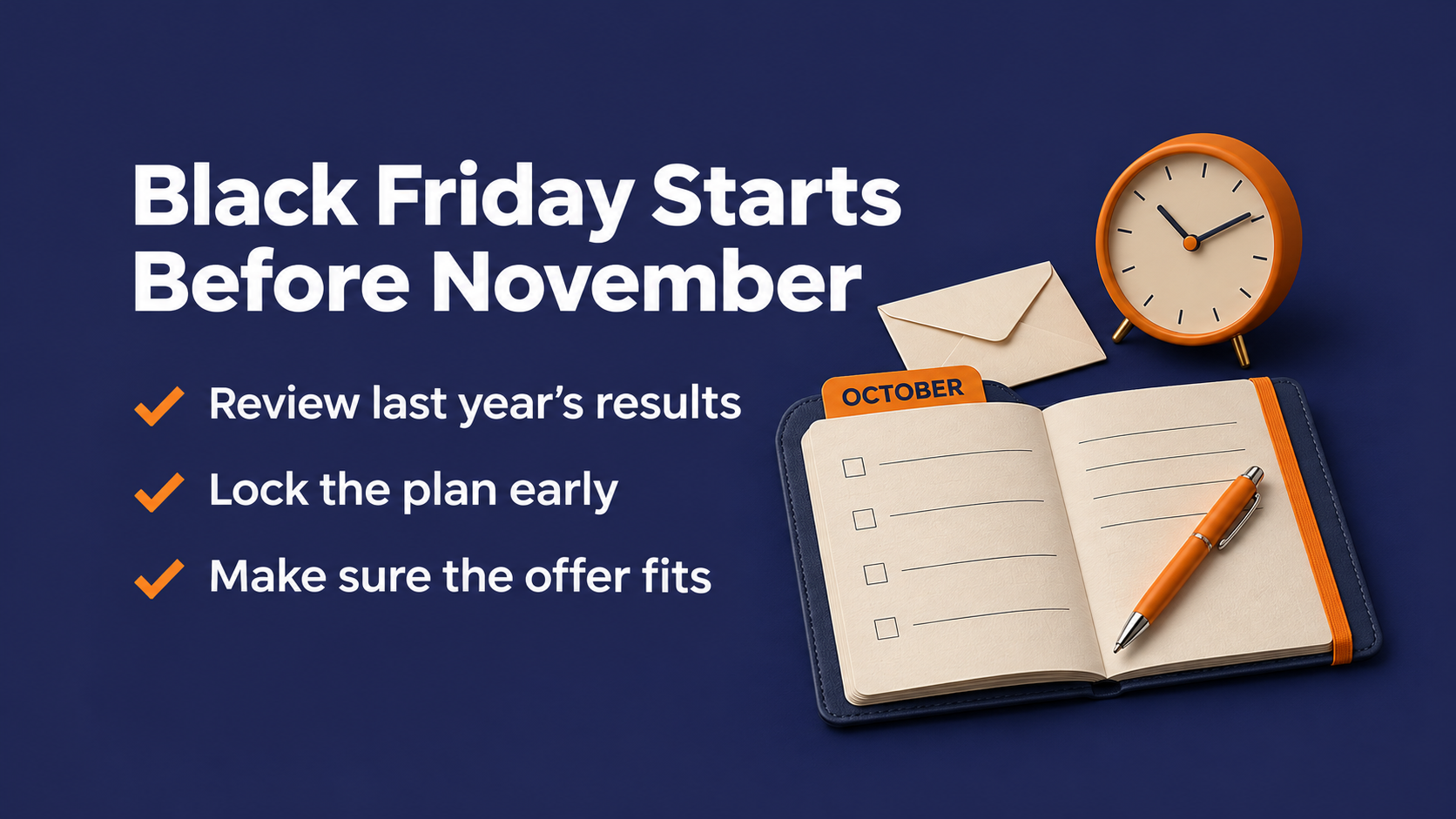
Most bad Black Friday weeks are decided in October. These are the planning calls that set up a weak campaign before a single email goes out.
Copying last year's plan without checking what worked
Reusing last year's calendar feels safe. The only issue is that last year's results might not say what you assume.
Omnisend's 2025 data on its U.S. small-business ecommerce customers showed Black Friday beat Cyber Monday for 58% of those stores, while the other 42% did better on Cyber Monday. There's no universal winning day. Pull last year's results by day, by segment, and by client before you copy anything forward.
Starting the build the week of Black Friday
Dotdigital found that in 2025, brands began referencing Black Friday in subject lines an average of 12 days before the day, and 16 days before in the Americas. If you're still picking the offer at that point, other brands' Black Friday subject lines are already landing in your subscribers' inboxes.
Agencies feel this one hardest. Every client approval round adds days, so the brief, the offer, and the creative need to be locked well before the first send date.
Assuming Black Friday is only for ecommerce
It's easy for a B2B team to assume this week isn't for them, and sometimes that's the right call. Whether it fits depends on your buyers.
If a real seasonal offer makes sense for them, such as a discount on an annual contract or a bundled service, every planning rule here applies. If it doesn't, skip the week rather than forcing a fake doorbuster.
Deliverability Mistakes That Hit Hardest at Black Friday Volume
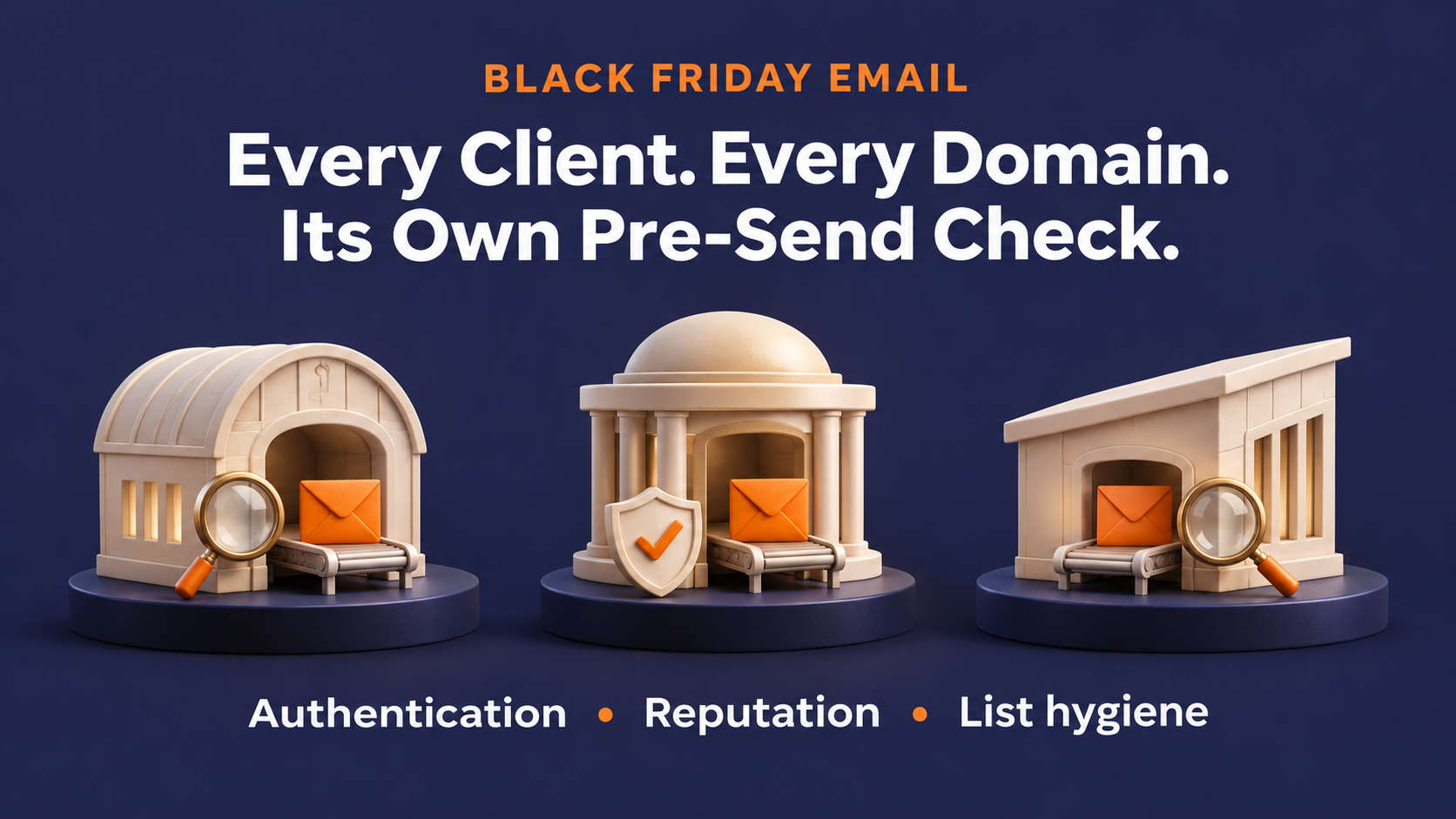
This is where agencies and multi-brand senders take the most damage. One weak setup can repeat across every account you send for, and the inbox doesn't care how good the creative is if the message never arrives.
Sending before every domain passes authentication
Google's sender guidelines require SPF or DKIM for all senders, and SPF, DKIM, and DMARC for bulk senders mailing roughly 5,000 or more messages a day to personal Gmail accounts. DMARC passes when SPF or DKIM passes, and the authenticated domain aligns with the domain in your visible From address. These are the email authentication requirements every sending domain needs to clear.
Here's the part that trips most agencies up. That check runs against each From domain, so one client's clean setup tells you nothing about the next client's.
Don't assume a smaller client is exempt either. Yahoo's own sender FAQ defines a bulk sender as one sending a significant volume of mail and declines to specify a threshold. Check authentication on every sending domain the week before Black Friday.
Ignoring your complaint rate until it's too late
Google asks bulk senders to keep their Postmaster Tools spam rate below 0.10% and never reach 0.30%. Above 0.30%, a sender loses eligibility for Google's delivery mitigation until the rate stays under 0.30% for seven consecutive days.
That recovery period can stretch past the end of the Black Friday and Cyber Monday sale. A complaint spike on Black Friday morning can leave you without that support for the rest of it.
Reading your sending health signals
Watch Postmaster Tools daily for every sending domain during the week, and treat opt-outs as an early signal too.
Hallmark Building Supply cut its opt-out rate to under 0.01% and ended the ISP blocking it had been fighting after moving off an overseas ESP to Pinpointe. Opt-outs and spam complaints are different numbers, but both tell you why people unsubscribe from emails in the first place, and both are worth watching.
Mailing every dormant contact to pump up volume
The temptation is obvious. Bigger list, bigger send, bigger sale. Deliverability guides consistently recommend removing long-dormant subscribers and segmenting your list before a big volume spike instead. A round of email list hygiene before the week starts is the cheapest insurance you can buy.
Every contact who hasn't opened in a year still adds volume to the send. Every one of them who reports the message counts against your complaint rate.
LISTDATA, which specializes in re-engaging lists of up to 1.5 million contacts that have sat inactive for over a year, builds and tests its campaigns in Pinpointe. The team runs them through the Spam Checker, aiming for a score under 5, and through inbox previews, then exports the HTML to send through its own mail network. That's a pre-flight habit worth copying for any risky segment.
Pro Tip: If you do need to reach dormant contacts, make it a separate, tested send.
Running every client through one shared setup
When every client's lists and sender identities sit in one shared account, it gets hard to keep one client's mistake out of another client's send. Separate client accounts cut down on accidental list mixing and cross-client sending errors.
Sender reputation still depends on how each client's domains and sending infrastructure are configured, so check that piece separately. A fresh or recently migrated client domain also needs its own IP and domain warm-up plan, not a straight jump to full Black Friday volume.
The ideal agency setup: Segregated data, dedicated identities, and pre-send checks
Mudd Advertising, an automotive agency serving more than 5,000 dealerships, kept 5,000 strictly segregated client databases on Pinpointe's enterprise platform. An example of how they used our tools is when the team sent up to 130 campaigns and 2.5 million emails a month and used inbox previews to check "send on behalf of" campaigns before they went out.
That's the operating model to aim for. Each client sends as itself, from its own data, after its own check.

Content Mistakes Inside the Black Friday Email
Getting delivered is half the job. The rest of the Black Friday email mistakes happen inside the message.
Stuffing the subject line with discount language
Discount-stacked subject lines are tempting when every brand in the inbox is shouting at once. A clear subject line that names one offer is easier to read and easier to trust. The data on what makes a subject line work holds just as true during Black Friday week as any other time of year.
OES Global, a B2B wholesaler running three brands, uses Pinpointe's Spam Checker as a guardrail on promotional sends and removes phrases like "free shipping" from its own campaigns when the spam score runs high. That's just one team's workflow, but it's a smart one and something most companies should consider adopting.
Score the message before you send it instead of guessing.
Designing for desktop when the sale happens on phones
Adobe found that mobile devices drove 57.5% of U.S. online sales on Cyber Monday 2025. If that's where the purchase happens, the email that starts it should work on a small screen too.
Preview every version on a small screen before it goes out. Single column, big buttons, and the offer visible without scrolling.
Giving readers too many clickable options
OES Global's marketing team used heat maps and found subscribers clicked only one or two spots in emails that carried eight calls to action. Cutting those campaigns down to two focused images produced nearly a 100% improvement in click-through.
"Heat Maps are helpful because you can see if it makes sense to have all 8 calls to action when people only click one or two places," said Ariel Frias Ducoudray, Marketing Director at OES Global. On a day this crowded, one clear call to action beats a catalog.

Cadence Mistakes Across Cyber Week
Black Friday is one day inside a longer week. How you pace the sends belongs in your Black Friday email marketing strategies from the start.
Treating Cyber Monday as leftovers
Plenty of brands send their best creative on Friday and recycle it on Monday. That's a risk, because among the U.S. small-business e-commerce stores in Omnisend's 2025 data where Cyber Monday won, Cyber Monday orders ran about 33% higher than Black Friday.
Give Cyber Monday its own message, its own subject line, and its own reason to open. If your data says Monday is your day, plan the week around it, including the best time to send each one.
Pushing Cyber Monday before Black Friday is over
Dotdigital's 2025 data showed brands began mentioning Cyber Monday in subject lines three days beforehand globally, compared with seven days in the Americas. A three-day global average lands right on Black Friday itself.
Consider keeping Friday's message focused on Friday's offer, then shifting to Cyber Monday once it starts. Test the timing against your own audience's results rather than assuming either order wins.
Fix Your Black Friday Email Marketing Before the Volume Hits
The pattern across every mistake above is the same. Plan from your own numbers, authenticate every sending domain, watch complaints daily, cut the dormant contacts, keep the email simple, and give Cyber Monday its own campaign.
For an agency, each of those checks happens once per client. That's usually where the calendar runs out.
Pinpointe supports separate client or brand accounts with their own sender identities and sending domains, managed centrally by your team. Your team sees every client from one admin login, while each client account only sees its own, and every sending domain is authenticated and verified before use.
Every message can go through the Spam Checker, Link Checker, and inbox preview before sending. Our hands-on onboarding team manages SPF, DKIM, and DMARC setup with you.
See separate client accounts in a live demo
If you're running Black Friday for several clients, a live 1-on-1 demo is the clearest way to see how this works against your own roster. We'll walk through how client accounts, segmentation, and deliverability setup fit together, tailored to the goals you bring.
Frequently Asked Questions
Why do Black Friday emails go to spam?
Black Friday emails can land in spam because of authentication failures, high complaint rates, or mailing disengaged contacts at higher volume. For mail to personal Gmail accounts, Google requires bulk senders to pass SPF, DKIM, and DMARC and asks them to keep their spam rate below 0.10%. Check both before the week starts.
Is landing in the Promotions tab the same as going to spam?
No. Gmail sorts incoming mail into inbox categories such as Promotions automatically, so a message in that tab was delivered to the inbox, while a message in spam was filtered out of it. Users can also turn categories on or off, and the sender requirements you control are about avoiding spam and rejection.
Should Black Friday and Cyber Monday get separate email campaigns?
Usually, yes. In Omnisend's 2025 data on U.S. small-business ecommerce stores, Black Friday won for 58% and Cyber Monday won for the other 42%, so each day deserves its own message. Your own past results should decide where the weight goes.