Lead nurturing emails are a sequenced series of targeted messages sent to people who have shown interest but aren't ready to buy. Each one gives the lead something useful and moves them a step closer to a sales conversation.
A lead downloads your guide on a Tuesday. By Friday, they've forgotten your name, and a rep is calling someone who never asked to hear from sales. This isn't lead nurturing and, unfortunately, has the opposite effect and can push potential clients into the arms of your competitors.
This guide is for B2B marketers who already capture leads and need a sequence that turns these leads into warm leads who are ready to buy. You'll get the mechanics, the email types worth sending, three templates you can adapt, and the metrics that tell you whether any of it works.
Key Takeaways
- Start with five to seven emails and adjust from there. Red Shark Digital recommends at least five to seven emails in a B2B nurture sequence, with fewer for short sales cycles and more for long ones, as a first configuration to test rather than a fixed rule.
- Trigger exits on behavior, not email count. Move a lead to sales when a threshold score and a fit grade both signal readiness, per Salesforce's lead qualification guidance, and always pull a lead out immediately if they unsubscribe, complain, or become undeliverable.
- Don't trust opens alone. Apple's Mail Privacy Protection downloads remote content in the background regardless of whether a recipient engages with the email, so a recorded open can no longer reliably confirm a lead nurturing email was read.
- Use three ready-to-send lead nurturing email templates. A welcome and delivery email, an educational follow-up, and a sales check-in cover the start, middle, and handoff of a typical sequence, and each can be adapted today.
- Know the sender rules before you automate. Google requires one-click unsubscribe for marketing mail from senders of more than 5,000 messages a day to personal Gmail accounts, while Yahoo sets no numeric threshold but still expects a working List-Unsubscribe header, not just a body link.
In this guide
What Lead Nurturing Emails Do in a B2B Funnel
A lead nurturing email has one job, which is to move leads to the stage of the buying journey where they are ready to talk to sales.
Many leads raise a hand long before they have budget, a timeline, or internal buy-in. Nurturing covers the stretch between that first signal and a real sales conversation, and it typically runs automatically through an email platform rather than by hand.
That automation is important because nobody on your team is going to remember to email 400 webinar registrants on day three, day eight, and day fifteen.
How lead nurturing emails differ from newsletters
The two overlap more than people admit. A newsletter can go to a segment instead of the whole list, a good one keeps prospects warm, and plenty of nurture sequences use timed sends that don't wait for a click.
What separates them is purpose and progression. A newsletter keeps an audience informed over time. A lead nurturing email is one step in a sequence built to move a lead toward a specific next step, so each message picks up where the last one left off.
Lead nurturing email marketing in a real program
Here's what the pattern looks like when it's working. An enterprise SaaS company that sells business process automation software to Fortune 500 companies had built up a list of old trade show leads that weren't ready for sales.
The company now uses Pinpointe as its top-of-funnel nurturing engine, sending webinars and newsletters with URL tracking so click data flows into HubSpot. Only highly engaged leads go to sales, which keeps unready contacts from creating costly CRM bloat.
That's lead nurturing email marketing doing its actual job. The CRM holds people sales should talk to, and email handles everyone who isn't there yet. The emails are one piece of a broader lead nurturing strategy.
How a Lead Nurturing Email Sequence Works
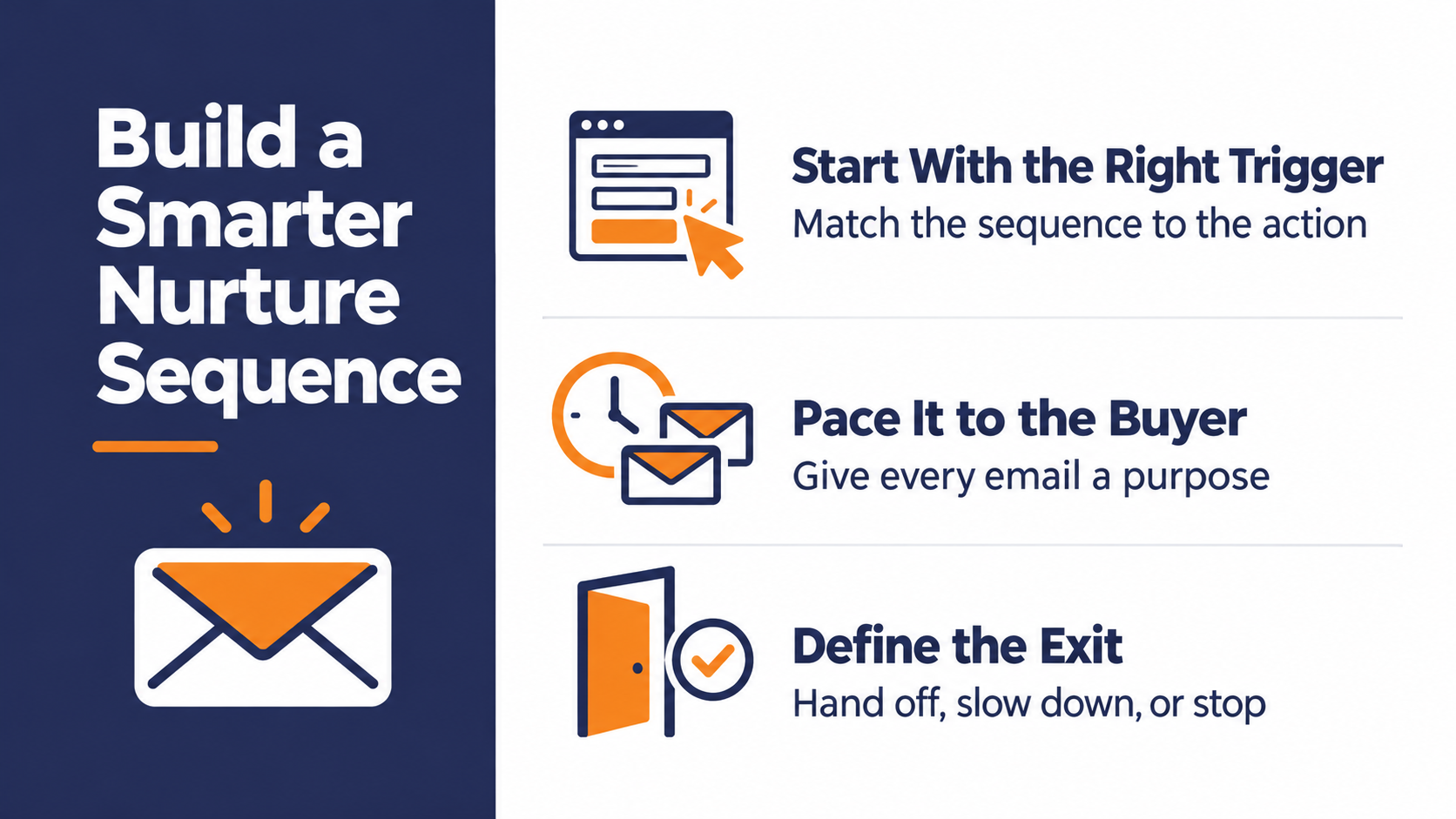
The email count gets most of the attention. The entry trigger and the exit conditions matter just as much, and weak programs tend to polish the emails while ignoring both.
Entry points and behavioral triggers
Every sequence starts with a trigger. A submission on a Pinpointe form, a content download, a webinar registration, or a demo request that sales decided was "not yet."
Different entry points deserve different sequences. The person who downloaded a pricing comparison is somewhere very different from the person who grabbed an intro checklist, and the same lead nurturing email can't serve both.
21st Mortgage Corporation shows how specific a trigger can get. The lender, a Berkshire Hathaway company, built automated drip campaigns on Pinpointe aimed at homebuyers who start a loan application but don't finish it, and its success story credits those campaigns with closing more loans.
That's nurturing at its sharpest. The trigger is a half-finished action, and the email exists to help the person finish it.
Sequence length and cadence
Red Shark Digital recommends at least five to seven emails in a nurture sequence, with fewer for short sales cycles and more for long ones.
That's one agency's recommendation, so treat it as a starting point for your own tests rather than a benchmark. The count matters less than whether every email has a reason to exist.
Pace the sequence to how long your buyers take to decide. A tool someone buys on a credit card and a platform that needs procurement sign-off shouldn't get the same rhythm.
Exit conditions and sales handoff
A sequence also needs a way out. Salesforce's lead qualification training describes setting a threshold score that signals a lead's activity suggests real buying potential, and pairing it with a grade for how well the lead fits, so you're not waiting for someone to reach email five of seven.
Engagement alone shouldn't make a lead sales-ready. Fit matters too, and when combined together, you should be sending high-quality leads to your sales team.
Our email lead scoring guide walks through building the scoring side of that threshold.
5 exit triggers every lead nurture flow needs
- The lead takes a high-intent action. A demo request, a direct reply, or repeated visits to your pricing page should pull them out early.
- The lead becomes a customer. Nothing erodes trust faster than nurture emails selling something the person already bought.
- The lead goes quiet. After the final email with no meaningful engagement, move them to a lower-frequency track instead of restarting the sequence.
- The lead unsubscribes, complains, or becomes undeliverable. Stop nurture sends immediately. Don't move these contacts into the slower track above. Instead, they should come out of nurturing entirely.
- Sales sends them back. A rep who decides "not yet" should be able to route the lead into nurturing again.
What counts as sales-ready is your call. Lead scoring is one way to define it, but the threshold, and what sales agrees to accept, should come from a conversation between your marketing and sales teams. Most sales and marketing alignment problems start because these discussions never happen.
Types of Lead Nurturing Emails
Nurture programs draw on a handful of email types, including welcome emails, educational content, and social proof.
Here's one practical way to arrange them in a sequence. Adjust the order to fit how your buyers decide.
| Email type | When it sends | Its job | Typical call to action |
|---|---|---|---|
| Welcome or delivery | Right after a sign-up or download | Deliver what was promised and set expectations | Open the resource |
| Educational | A few days after the welcome | Teach one useful thing tied to why they signed up | Read a guide or watch a session |
| Social proof | Mid-sequence | Show a peer solving the same problem | Read a customer story |
| Check-in or handoff | Late in the sequence or after a high-intent action | Invite a conversation | Reply or book a call |
| Re-engagement | After a quiet stretch | Find out whether interest is still there | Pick a topic or opt down |
Welcome emails that deliver on the promise
The welcome email is the first impression of the whole nurture sequence. If someone signed up for a checklist, don't make them wait until email three to get it. Deliver the thing they asked for in the first line, then tell them what's coming and how often.
Our B2B welcome email best practices guide covers this one in more depth.
Educational emails that answer the next question
The middle of the sequence is where trust gets built. Each educational email should answer the question a lead is likely to have after the last one, using a guide, a short video, or a single practical tip.
One idea per email. The more ideas or concepts you try and cram into each email, the easier it is for leads to miss the point and tune out.
Social proof emails that show a peer's result
A customer story lands harder than a feature list because the lead can picture themselves in it. Pick a story from someone in the same role or industry, and lead with the problem they had, not your product. Facts tell, and stories sell!
Check-in emails that invite a conversation
Late in the sequence, or right after a high-intent action, ask for a conversation in plain language. Keep it short and give the lead an easy way to say "not now" without unsubscribing.
Lead Nurturing Email Templates You Can Adapt
These three lead nurturing email templates cover the start, the middle, and the handoff of a typical B2B sequence. They're Pinpointe-built starting points, so swap the bracketed parts and cut anything that doesn't sound like your company.
The [0] tags use Pinpointe's merge-tag format. If you send from another platform, swap in that platform's field name, and set a fallback greeting for contacts without a first name. Leave footers and unsubscribe handling to your sending platform, which the best-practices section below explains.
Template 1 - Welcome and delivery email
Use this the moment someone downloads a resource or registers for an event.
Subject line
Your [resource name] is here
Preview text
Plus the section most teams skip
Body
Hi [0],
Here's the [resource name] you asked for. [Download link]
If you only have ten minutes, start with [specific section]. That's where most [role or team] find the first gap in their [process].
Over the next couple of weeks, I'll send a few short notes on [topic]. Each one covers one problem we see a lot, with something you can use the same day.
[Your name]
[Title, Company]
What to change
Name the specific section, not "page 4." The point of the second paragraph is to give the reader one clear place to start.
Template 2 - Educational follow-up
Send this a few days after the welcome, to everyone who came in through the same entry point.
Subject line
The [topic] mistake that costs the most time
Preview text
And the fix most teams can make this week
Body
Hi [0],
When teams start working on [topic], the most common snag we see is [specific problem]. It usually shows up as [symptom the reader will recognize].
The fix is smaller than it sounds. [One or two sentences describing the fix.]
If you want the longer version, [resource name] walks through it step by step. [Link]
[Your name]
What to change
Pick a problem your sales team hears on calls every week. If you can't name the symptom in one sentence, the email isn't ready.
Template 3 - The sales check-in
Use this near the end of the sequence, or right after a lead does something that signals intent.
Subject line
Worth a 20-minute conversation?
Preview text
Or tell me to check back later
Body
Hi [0],
I've sent a handful of notes on [topic] over the past few weeks. If [problem] is on your list this quarter, a short call might save you some guesswork.
I can walk through how teams like yours handle [specific challenge] and answer whatever questions you have. [Booking link]
If the timing's wrong, reply "later" and I'll check back in [timeframe].
[Your name]
[Title, Company]
What to change
Make the "later" reply real. Route those replies to a task or a slower track so the lead actually hears back when you said they would.
Lead Nurturing Email Best Practices and Mistakes to Avoid
The templates give you structure. What makes a sequence work over months is how you segment, sequence, and send.
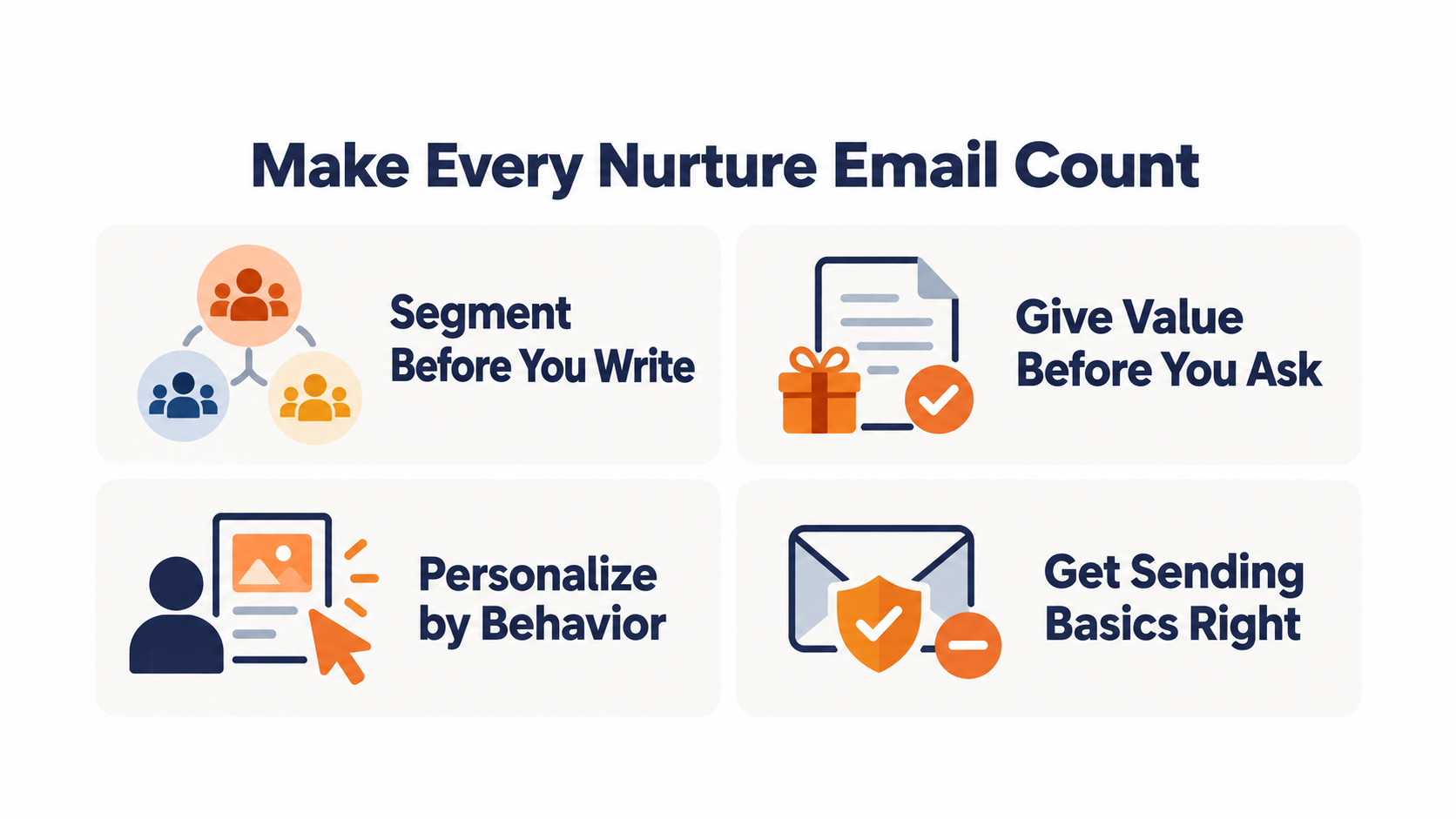
Segment before you write
Segment your nurture list before you build sequence content, by source, industry, role, or the interest a lead expressed when they signed up.
A single sequence for every lead ends up written for nobody in particular. Start with your two or three biggest entry points and give each its own path.
Give value before you ask
Earn a few touches of usefulness before you ask for a meeting. A lead who has gotten something from your first emails has a reason to take the ask seriously.
A simple ratio works as a gut check. If more than one email in your first four asks for a call, the sequence is leaning on the ask too early.
Personalize on what the lead did
A first name is a merge field. A reference to the guide they downloaded is personalization.
Use the entry point, the content they've engaged with, and their role to shape what each email says. That's what makes a nurture email read like it was sent to one person.
Let your sending platform handle the compliance basics
Automated sequences run at volume, so mailbox provider rules apply to them. Google applies stricter requirements to senders of more than 5,000 messages a day to personal Gmail accounts, including one-click unsubscribe for marketing mail.
The practical setup covers both. Use a List-Unsubscribe header that supports one-click unsubscribe under RFC 8058, keep a visible unsubscribe link in the email for readers, and confirm your sending platform handles the header. For the fuller authentication picture, see our email authentication guide.
Common lead nurturing email mistakes
Watch for these habits when you review a sequence:
- One sequence for everyone. Running every lead through the same path, regardless of how they arrived, ignores the reason they raised a hand.
- A fixed countdown. Letting a lead who already looks sales-ready sit until email seven because the sequence says so.
- The early pitch. Asking for a call before the lead has gotten anything useful.
- Judging by opens. Calling a sequence healthy because open rates look fine, which the next section explains.
How to Measure Lead Nurturing Email Performance
A nurture sequence succeeds when leads move forward. Your reporting should show that movement, not just activity.
Why open rates mislead
Open rates became a weaker signal after Apple introduced Mail Privacy Protection. With it turned on, Apple Mail downloads remote content in the background by default, whether or not the recipient engages with the email.
Tracking pixels are remote content, so for those recipients, a recorded open no longer reliably tells you a person read anything.
Treat opens as a rough directional signal at best. Don't use them to decide whether a lead is engaged or ready for sales.
We cover what this means for your reporting in our guide to Mail Privacy Protection and email open rate tracking.
Metrics that track real progress
Look at the sequence as a whole, including where engagement drops off from one email to the next, and at how many leads move to the next stage.
Those numbers tell you which email to fix and whether the sequence is feeding your pipeline.
Track these per sequence:
- Click rate by step, to see which emails earn action and which ones stall
- Step-by-step drop-off, to find where leads stop engaging
- Conversion to the next stage, such as marketing-qualified to sales-qualified, using your own definitions
- Sales acceptance rate, the share of handed-off leads sales agrees to work
- Pipeline from nurtured leads, so the program gets judged on revenue impact
Build Lead Nurturing Emails That Earn the Sales Handoff
Good lead nurturing emails do a narrow job well. They meet a lead at the point they raised a hand, give them something useful at each step, and get out of the way when the lead is ready to talk.
The pieces that separate a working program from a busy one are the edges. Triggers that match each entry point, exits that catch high-intent leads early, and metrics that look past opens to real stage movement.
Writing the emails is the easy part. Keeping each lead on the right path, and pulling them off it at the right moment, is where programs break down.
Automating lead nurture and CRM sync with journeys
In Pinpointe, that logic lives in Journeys. You set the trigger, such as a submission on a Pinpointe form, a contact joining a list, or a click on a specific link, and conditional branching sends different leads down different paths.
Our dynamic segments add and remove contacts automatically as their data and behavior change. Pair them with the right branching and exit conditions in a Journey, and a lead who clicks into pricing content can move to a different path without anyone rebuilding a list.
Handing a ready lead to your CRM is a workflow you configure, using our API, webhooks for events like clicks, or Zapier, based on the signals your team defines as sales-ready. It's the same nurture-then-sync pattern the enterprise SaaS company above uses to keep its CRM focused on leads sales should talk to.
Find the leaks in your nurture program with a free audit
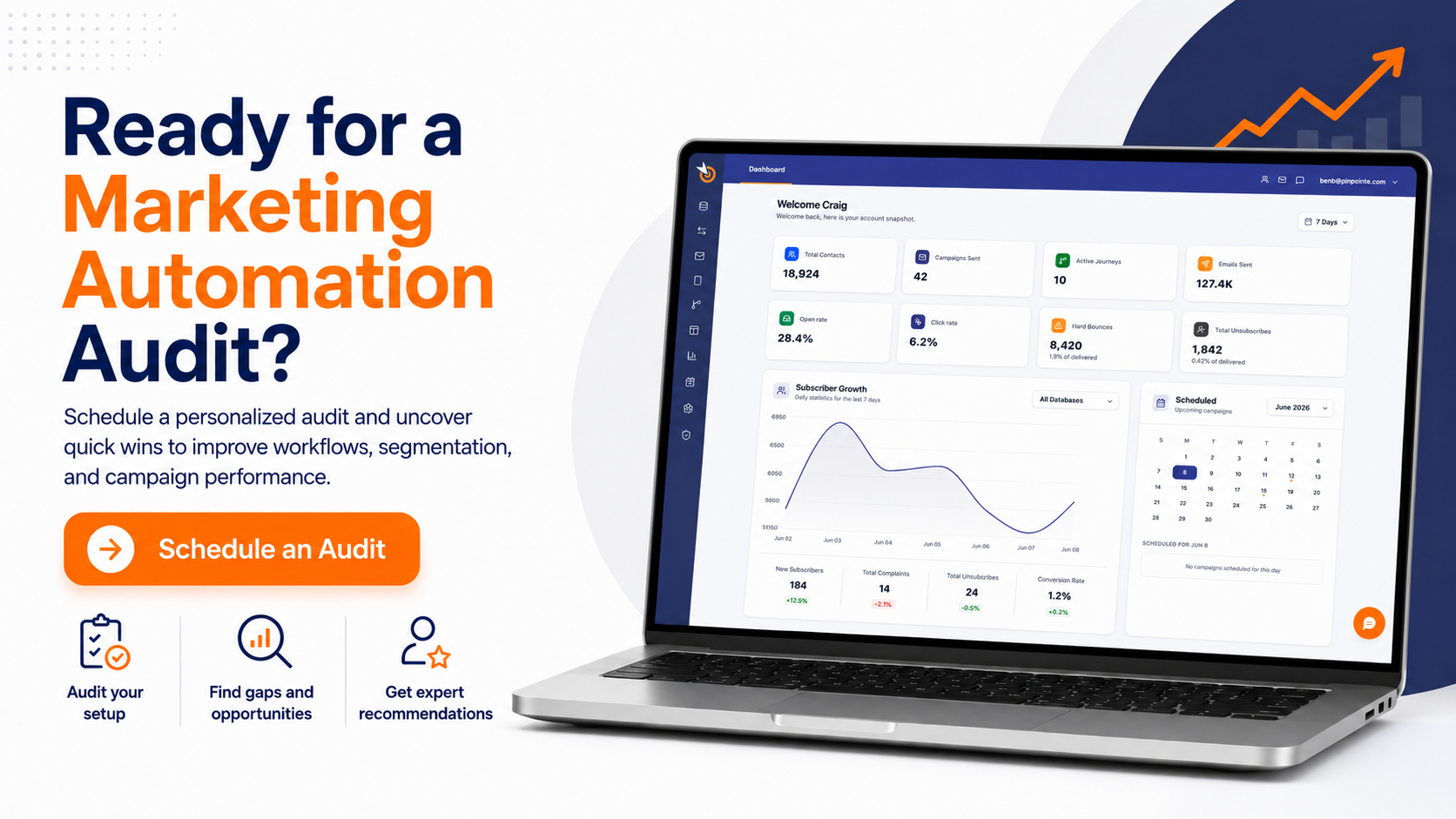
If you already run a nurture sequence, or you have a pile of leads with no sequence at all, our free marketing automation audit is a practical next step. It's a 1-on-1 session where we find where prospects drop out of your current funnel and which manual follow-up is draining your team's time, and you leave with an automation roadmap that's yours to keep.
Lead Nurturing Email FAQs
Quick answers to the questions that come up most when teams build a nurture program.
How many emails should a lead nurturing sequence have?
There's no proven ideal, but Red Shark Digital recommends at least five to seven emails, which makes a reasonable first test.
Adjust from there based on your sales cycle, and let engagement decide when a lead moves on rather than the count alone.
What is the difference between lead nurturing and email marketing?
Lead nurturing is one use of email marketing. Nurture emails are sequenced and targeted to move a specific lead toward a buying decision, while broader email marketing includes newsletters, announcements, and promotions sent to wider audiences.
The two overlap, since a good newsletter can nurture too.
When should a lead leave a nurture sequence?
A lead should leave when they take a high-intent action, become a customer, go quiet after the final email, or get accepted by sales. A threshold score combined with a fit grade is one way to decide handoff, so ready leads don't wait for the sequence to finish.
Do lead nurturing email templates still need personalization?
Yes. A template gives you structure, but the content should reflect the lead's entry point, role, and interests.
A first-name merge field alone won't make a template feel relevant.