
An email autoresponder is an automated email, or a short series of them, that sends itself when a subscriber takes a specific action, like joining your list, downloading a resource, or making a purchase. You write it once, set the trigger, and it goes out to every person who meets that condition.
The mechanics are simple, but the hard part is everything around them. Picking the right trigger, timing the follow-up, and remembering the thing exists a year after you built it.
This guide covers how an email autoresponder works, the types worth building first, how autoresponders differ from broadcast and transactional email, and a template you can adapt today. It's written for B2B marketers who run email programs and want automation that does its job without constant babysitting.
Key Takeaways
- Email autoresponders run on a trigger, timing, and a message, with triggers falling into time, event, action, or rule-based categories rather than just two types.
- Trigger-based autoresponders see nearly double the clicks of scheduled sends, 4.4% versus 2.3%, based on NP Digital's 2025 analysis of more than 162 million emails from 30 companies.
- Abandoned cart and welcome series autoresponders account for 53% of reported automation revenue in one 2026 NP Digital study of 193 companies and 820 marketers, 32% from abandoned cart and 21% from welcome series.
- Cart abandonment runs high enough to justify a dedicated autoresponder, with Baymard Institute averaging an online cart abandonment rate of 70.22% across 50 studies.
- Commercial autoresponders must include a working opt-out method, and the FTC requires opt-out requests to be honored within 10 business days under the CAN-SPAM Act.
In this guide
- Inbox Auto-Replies vs. Marketing Autoresponders
- How an Email Autoresponder Works
- Common Types of Email Marketing Autoresponders
- Autoresponder vs. Broadcast vs. Transactional Email
- What a Good Autoresponder Email Template Includes
- Autoresponder Mistakes That Quietly Cost You
- Frequently Asked Questions About Email Autoresponders
Inbox Auto-Replies vs. Marketing Autoresponders
Search for "automatic email responder," and you'll get two different answers. One is the out-of-office message your inbox fires back while you're on vacation. The other is a marketing system that sends planned messages to people on your list.
Both are autoresponders. They just answer different questions, so it helps to know which one you're building before you touch any settings.
Inbox auto-replies respond to mail you receive
The most familiar version is the vacation reply. The IETF standard for automatic email responses, RFC 3834, groups these as personal responders, separate from service and group responders that answer mail sent to a shared address.
These replies react to an incoming message. Someone emails you, and the system answers. What that person does on your website or your list plays no part.
Marketing autoresponders respond to subscriber actions
An email marketing autoresponder works the other way around. In permission-based email marketing, it typically sends to people who elected to receive your messages, based on something they did or didn't do.
They signed up, downloaded a guide, bought something, or went quiet.
That's the version the rest of this article covers.
How an Email Autoresponder Works
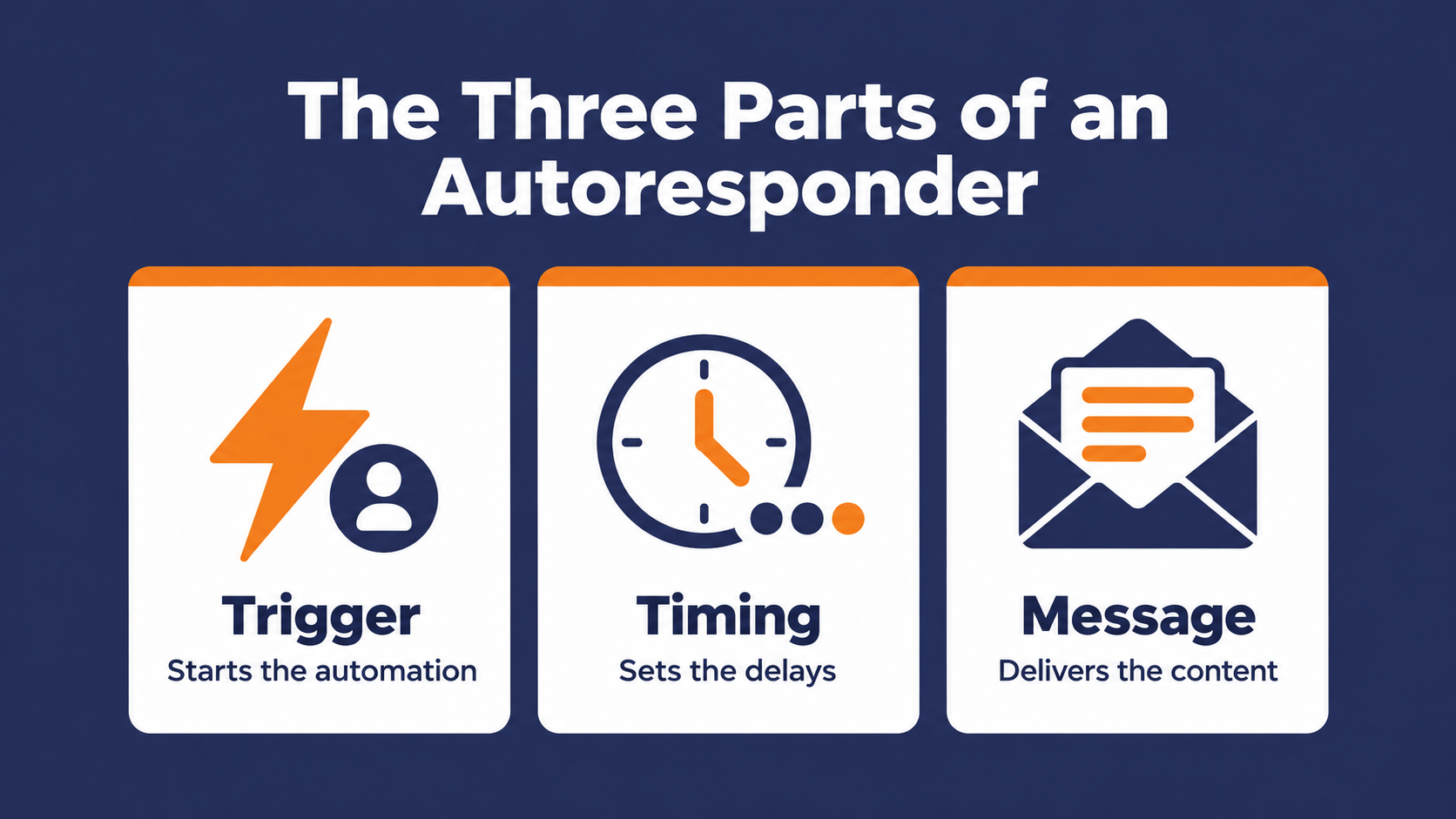
Every autoresponder runs on three parts. A trigger that starts it, timing that decides when each message goes out, and the message itself.
Get those three right and the autoresponder runs for months without help. Get one wrong, and it keeps running anyway, which is the problem.
The trigger starts everything
Platforms label triggers a little differently, and Stripo's breakdown covers the main ones. Time-based autoresponders fire on a specific date and time, event-based and action-based ones fire after something like a purchase or a link click, and rule-based ones fire when set conditions are met. (See email retargeting for a closer look at one trigger-based format).
It helps to separate two jobs inside every autoresponder. The trigger enrolls someone, and the delays after it schedule each message that follows. As an example, a welcome series might start the moment someone subscribes, then wait three days before sending email two.
Timing turns one email into a sequence
A single autoresponder covers one moment. Some examples of this would be delivering the PDF someone requested, confirming a registration, or saying thanks for a purchase.
A sequence spaces several messages over specific intervals so each one can build on the last, the same logic behind a drip email campaign.
The first email answers the immediate request. The later ones earn the right to ask for something.
Setting one up takes four steps
The specific screens vary by platform, but the setup always comes down to the same work.
- Choose the trigger that starts the autoresponder.
- Set the conditions for who qualifies, so the wrong contacts don't get pulled in.
- Write the message or messages, along with the delay between each one.
- Test the whole thing before you switch it on.
Test with a brand-new contact record, not your own. Your own record usually carries years of old tags and list memberships, which can send it down a path a real subscriber would never take.
Common Types of Email Marketing Autoresponders
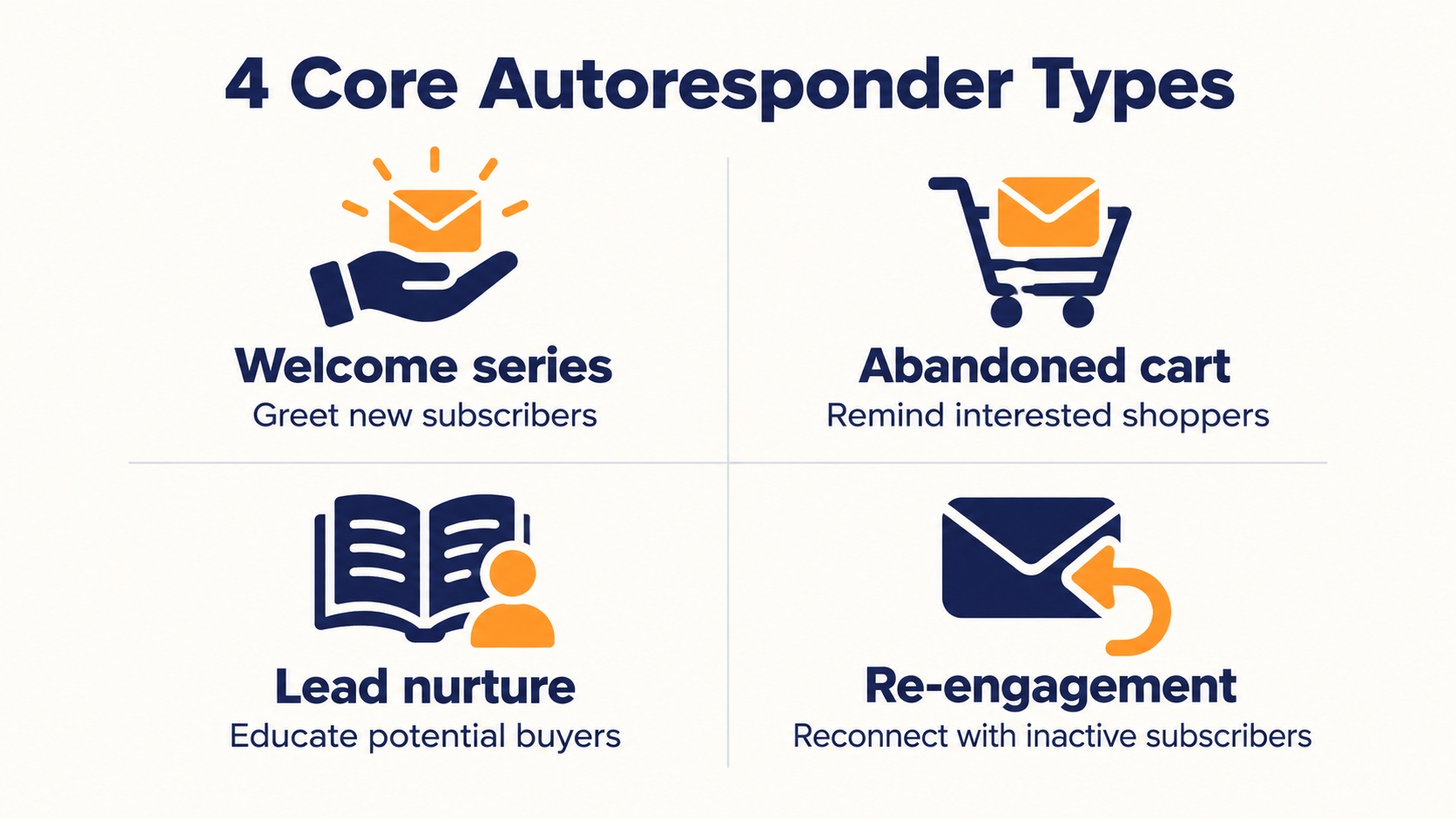
The autoresponder examples below cover the core types most programs build. Each one ties to a specific moment in a subscriber's relationship with you.
Some top contenders are welcome series and abandoned-cart emails. In a 2026 NP Digital study of 193 companies and 820 marketers, abandoned-cart sequences accounted for 32% of reported email automation revenue and welcome series for 21%, together 53%.
That split comes from one sample and won't fit every business. An example of why it might not fit your business depends more on what you offer and your sales process. A B2B team with no shopping cart, for example, will weigh things very differently and may not use abandoned cart emails at all.
Welcome series
A welcome autoresponder fires when someone joins your list, while their interest is still fresh and often at its peak. A common starting point is 3 to 5 emails sent over one to two weeks.
The order matters more than the count. One common framework opens with a welcome and the promised resource, then tells the brand story, shares social proof, teaches something useful, and only then makes an offer.
Skip to the offer in email one, and you've spent the attention you just earned. For a deeper walkthrough, see our B2B welcome email best practices.
Abandoned cart
Abandoned-cart autoresponders exist because most carts never reach checkout. Baymard Institute averaged 50 separate studies and puts the online cart abandonment rate at 70.22%.
That's a lot of stated intent left sitting in a browser tab. A reminder sent while the visit is still fresh is the obvious place to recover some of it, and these abandoned cart email examples show what that reminder can look like.
Lead nurture
A nurture autoresponder sends a planned run of useful content to leads who aren't ready to talk to sales. It fits great with B2B purchases that have a longer sales cycle, where leads may go quiet between conversations.
One enterprise SaaS company uses Pinpointe to nurture its top-of-funnel trade show leads before syncing only the engaged contacts into HubSpot.
This strategy keeps unengaged contacts out of the CRM, and sales spends its time on the leads who have shown high intent versus worrying about every contact they capture. For more on building that kind of sequence, see our post on lead nurturing emails.
Re-engagement
Win-back campaigns use email autoresponders that go to subscribers who've stopped engaging. A sensible starting point is to segment inactive contacts by how long they've been quiet and plan the outreach for each group.
The autoresponder then handles the timing, so nobody has to remember the next nudge.
A contact who drifted off last month needs a different nudge than one who disappeared last year. One message for both usually reaches neither, which is the core idea behind effective re-engagement campaigns.
Autoresponder vs. Broadcast vs. Transactional Email
These three terms often get mixed up because they can overlap. The cleanest way to separate them is to ask what starts the send and what the message is for.
| Autoresponder | Broadcast campaign | Transactional email | |
|---|---|---|---|
| What starts it | A contact meeting a trigger, such as an action, a date, or a rule | You send or schedule it | An action the recipient already took |
| Who gets it | One person, at the moment they qualify | A whole list or segment at once | The one person involved |
| What the term describes | How the email is sent | How the email is sent | What the email is for |
| Typical example | Welcome series after signup | Monthly newsletter | Password reset or receipt |
That third row is the one most people miss. Two of these terms describe a sending method, and one describes a purpose.
Autoresponder vs. broadcast campaign
A broadcast goes out when you decide. An autoresponder goes out when a contact qualifies, through something they did like a date, or a rule you set, and that difference shows up in the numbers.
NP Digital's 2025 analysis of more than 162 million emails from 30 companies found trigger-based emails earned a 4.4% click rate versus 2.3% for scheduled sends.
Treat that as one sample's result rather than a promise of results you should expect to see, but the trend likely reason is timing. A triggered email usually lands close to the moment that made it relevant, and a broadcast lands whenever you picked.
Autoresponder vs. transactional email
This is the comparison that tends to trip up most people. An autoresponder is defined by how it's sent, automatically, to people who meet a trigger.
Transactional email is defined by purpose, because it confirms something the recipient already did, like a receipt or a password reset.
That means the two can overlap. An order confirmation that sends automatically after a purchase is a transactional message delivered by a trigger, though not every platform files it under autoresponders. A welcome series uses the same kind of trigger, but its job is marketing and warming up a lead.
That purpose question matters for compliance, which comes up in the mistakes section below.

What a Good Autoresponder Email Template Includes
A template saves you from rewriting the same structure every time you build a new autoresponder. The good ones share a few parts, regardless of the type to generate the best results.
The parts every template needs
Strong autoresponder templates pair a clear, specific subject line with personalization, a single focused call to action, and formatting that reads well on a phone.
Commercial autoresponders also need a working way to opt out and a valid physical postal address. The FTC's CAN-SPAM guidance requires both, and a footer unsubscribe link is the simplest way to cover the opt-out.
A sample welcome autoresponder template you can adapt
The template below is a Pinpointe-built sample written to show the structure. It isn't a real brand's email so you can swap the bracketed parts and the merge tag for your own to fit your specific needs.
Subject line Your [resource name] is ready, plus what's coming next
Preview text Two short follow-ups this week, then we'll leave you alone.
Body
Hi , Thanks for grabbing the [resource name]. You can download it here.
[Download button]
Over the next week, I'll send two short follow-ups.
One covers [topic A]. The other walks through [topic B]. Both answer the questions people usually ask right after reading this guide.
Short on time today?
Start with page [X].
[Sender name]
[Title], [Company]
[Company physical mailing address]
Unsubscribe | Update preferences
The subject line names exactly what the reader asked for, so the open is easy. The body sets expectations for the two follow-ups still coming, there's one action, and the footer covers the opt-out and the postal address.
Common Email Autoresponder Mistakes
Autoresponders rarely break in a way you'd notice. They keep sending, and the damage shows up slowly in poor engagement, unsubscribes, or a compliance problem that nobody saw coming.
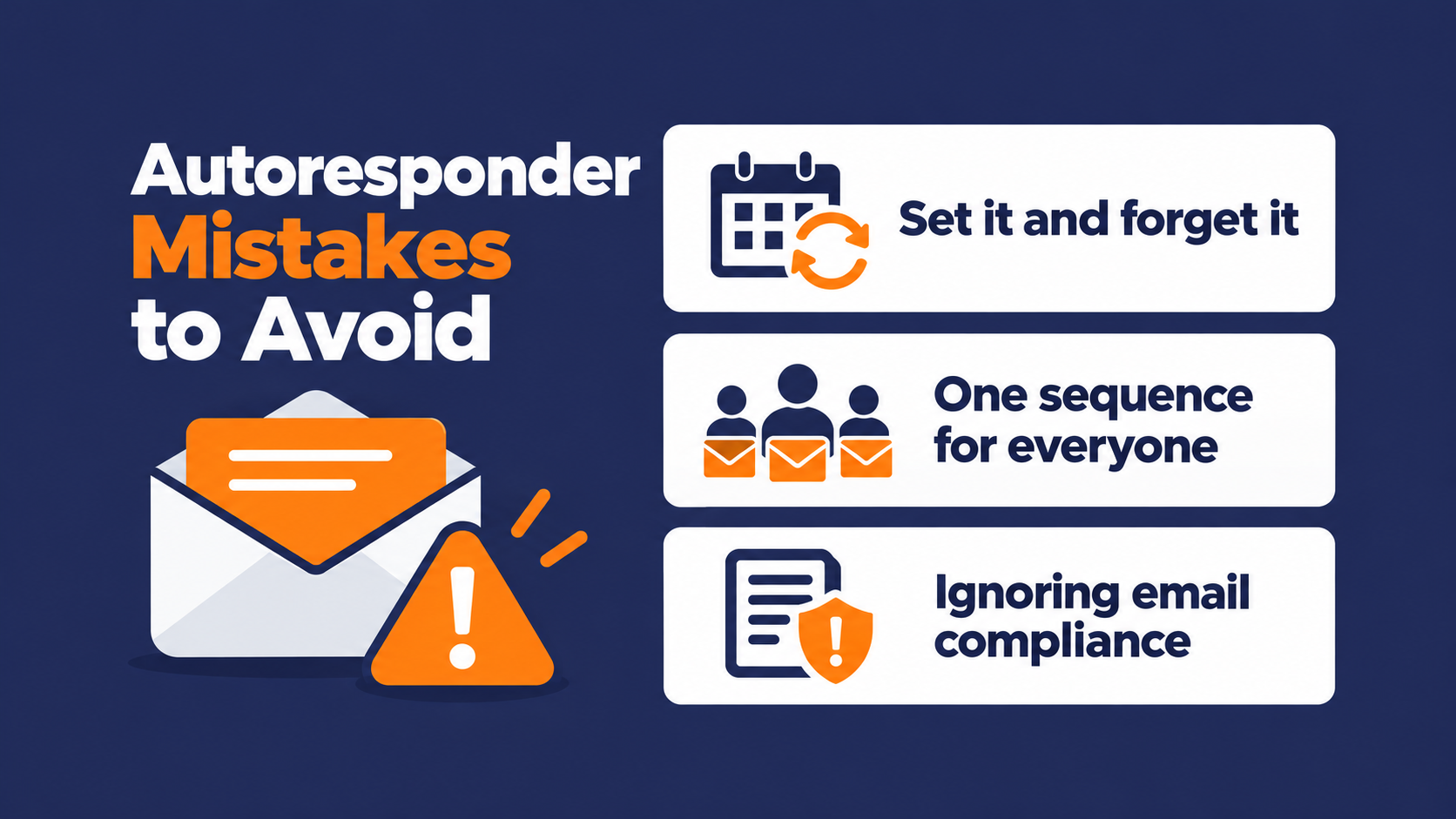
Setting it and forgetting it
One easy mistake is treating an autoresponder as finished the day it launches. Stripo's guidance is to regularly monitor each autoresponder's effectiveness, so you know it still does its job.
Put a review date on every autoresponder you build. Offers expire, links break, and the product screenshots in email three get older every quarter.
Having a regular check-in to review your set up can help prevent stale or innaccurate content going out without anyone noticing.
Sending one sequence to everyone
A single sequence for every new contact is easy to build and easy to ignore. The segmentation advice behind re-engagement, grouping contacts by their engagement history, is something you should be applying to welcome and nurture sequences too.
A webinar registrant and a pricing-page form fill shouldn't get the same five emails. They told you different things about what they want so match your messaging accordingly.
Assuming automated email skips CAN-SPAM
The CAN-SPAM Act covers all commercial email, B2B included, and requires a clear way to opt out, with requests honored within 10 business days.
Whether a message counts as commercial turns on its primary purpose, not on whether a person or a system sent it.
So a triggered email isn't exempt just because a subscriber action started it. That's a US rule, and if you send to contacts in other countries, their laws apply as well.
Run anything borderline past your legal team. It's also worth understanding why people unsubscribe in the first place, so the opt-out isn't the only signal you're tracking.
Make Your Email Autoresponder Work Without the Babysitting
An email autoresponder comes down to a trigger, the timing, and the message. Know whether you're building an inbox reply or a marketing sequence, start with the types that match real moments in your subscribers' journey, and keep the compliance basics in every message.
Most autoresponder problems show up long after launch. The copy goes stale, the trigger keeps firing, and nobody remembers who owns the sequence. Be sure to include regular reviews of your email autorepsonders so issues don't fall through the cracks.
Controlling flow and timing with conditional branching
In Pinpointe, you can build these sequences using Journeys. You pick the event that starts each one, like a contact being added to a list, submitting a form, opening an email, or clicking a link, and conditional branching sends different contacts down different paths.
Dynamic segments update as your data changes, so the right people keep qualifying without anyone rebuilding a list, and runtime settings can limit sends to weekdays, set hours, or a date range.
Scaling across multiple publications
For organizations running several brands or publications, each brand account runs its own Journeys from its own segments, while admins can see and manage data, lists, and content across every brand account from one login. An example of this is how Networld Media Group sends up to 7 million emails a month across 10 publications on Pinpointe, and trigger welcome flows are among the automations it runs.
After the publisher moved over from its previous provider, link clicks per email climbed from roughly 12 to 15 to between 20 and 25.
Find your autoresponder gaps with a free automation audit
If your autoresponders were built a while ago and nobody has looked closely since, start there. Our free marketing automation audit is a 1-on-1 session that finds the manual work draining your team's time and the points where prospects drop out of your funnel. You leave with an automation roadmap that's yours to keep, whether or not you choose to work with us.

Frequently Asked Questions About Email Autoresponders
Quick answers to the questions that come up most once you start building an email autoresponder.
What is the purpose of an autoresponder?
An autoresponder keeps you in contact with subscribers at the moment they act, without anyone sending each email by hand. It sends pre-written messages based on triggers like a signup or a purchase, which keeps the relationship moving while your team works on other things.
Is an out-of-office reply an autoresponder?
Yes, but it's a different kind. An out-of-office reply answers mail sent to you, and RFC 3834 classifies it as a personal responder.
A marketing autoresponder typically sends to people who opted in to your list, based on what they did.
How are email autoresponders different from email automation?
An autoresponder is one piece of email automation. It sends a set message or series when a time, event, action, or rule-based trigger fires.
Broader automation adds things like branching paths and segments that update on their own as contacts change.
Do autoresponder emails need an unsubscribe link?
If the email's primary purpose is commercial, US CAN-SPAM rules require a working way to opt out, and an unsubscribe link is the usual way to provide it. The FTC's guidance also requires a valid physical postal address and accurate sender information.
Being automated doesn't change any of that.
How many emails should an autoresponder sequence have?
For a welcome series, 3 to 5 emails over one to two weeks is a common starting point.
Treat it as a first draft. Let your own click and unsubscribe data tell you whether to add a message or cut one.