New Pinpointe UI Coming Soon
Table of Contents
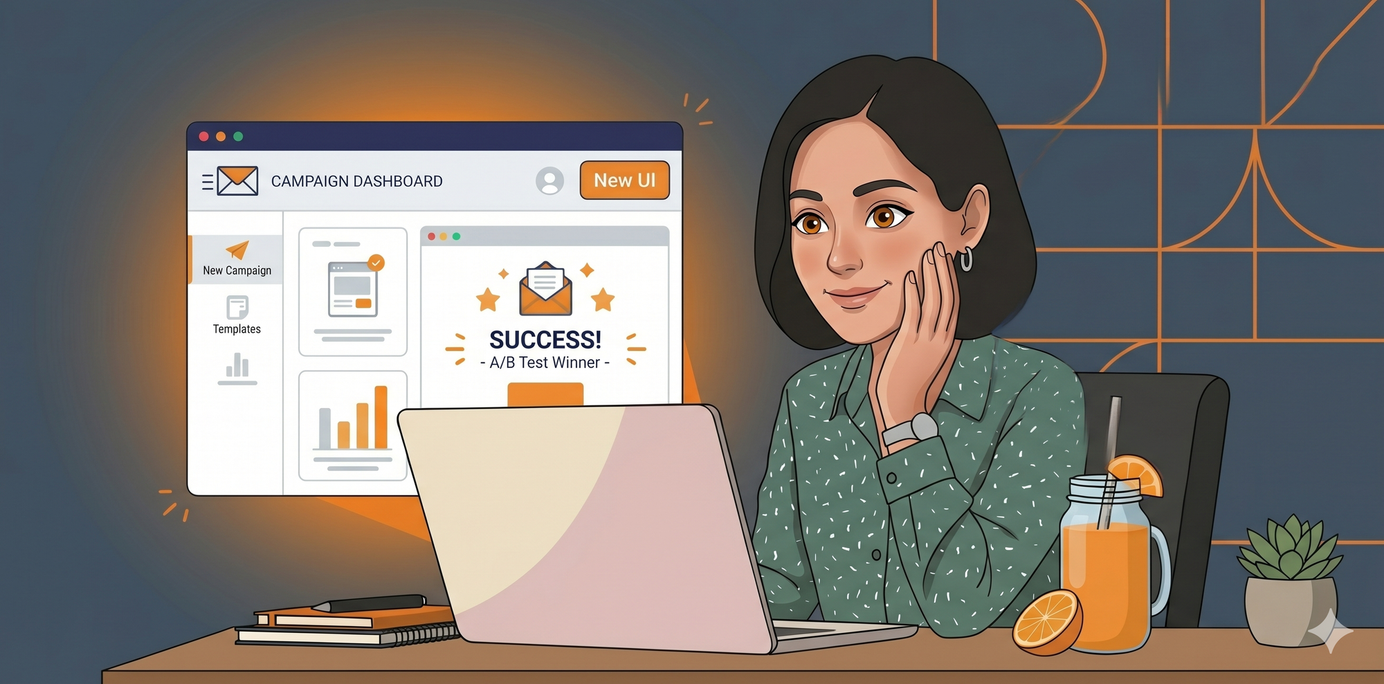
Pinpointe is getting an exciting new look in the coming weeks that shall unify the look of various parts of our web app.
At the top of the screen, you might notice a banner stating "We’re giving Pinpointe an exciting new look! Would you like to switch over to the new UI to give it a spin?" (Fig 1).
Fig 1

You can opt into the new UI by clicking the "Try New UI" button on the far right of the banner (Fig 2).
Fig 2

This New UI includes various improvements and a sleeker, more modern visual overhaul.
You can temporarily revert back to the Legacy UI by going to your Account Settings page (Fig 3).
Fig 3
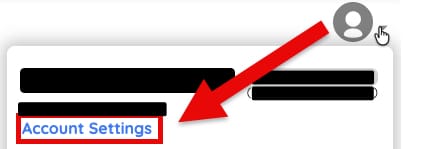
Clicking the "Revert to Legacy UI" button will revert the UI to how it used to look (Fig 4).
Fig 4
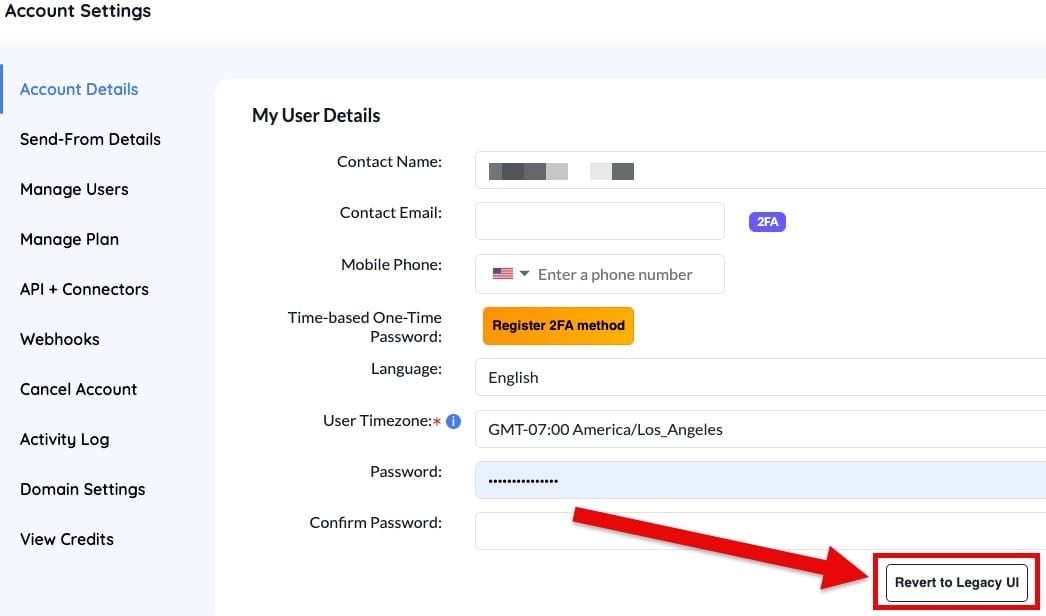
If the change in UI doesn't happen right away in either instance, you might try refreshing your browser.
Please look forward to more details coming soon.
Pinpointe Newsletter
Join the newsletter to receive the latest updates in your inbox.