
Pinpointe has just gotten a major new UI update that shall unify the look of various parts of our web app with a more modern, sleek look.
If you don't see the New UI yet, you'll see it by next Tuesday (7/8/2026).
At the top of the screen, you might notice a banner stating "We’re giving Pinpointe an exciting new look! Would you like to switch over to the new UI to give it a spin?" (Fig 1).
Fig 1

You can opt into the new UI by clicking the "Try New UI" button on the far right of the banner (Fig 2).
Fig 2

This New UI includes various improvements and a sleeker, more modern visual overhaul.
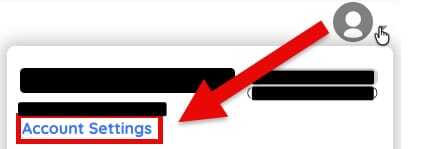
You can temporarily revert back to the Legacy UI by going to your Account Settings page (Fig 3).
Fig 3
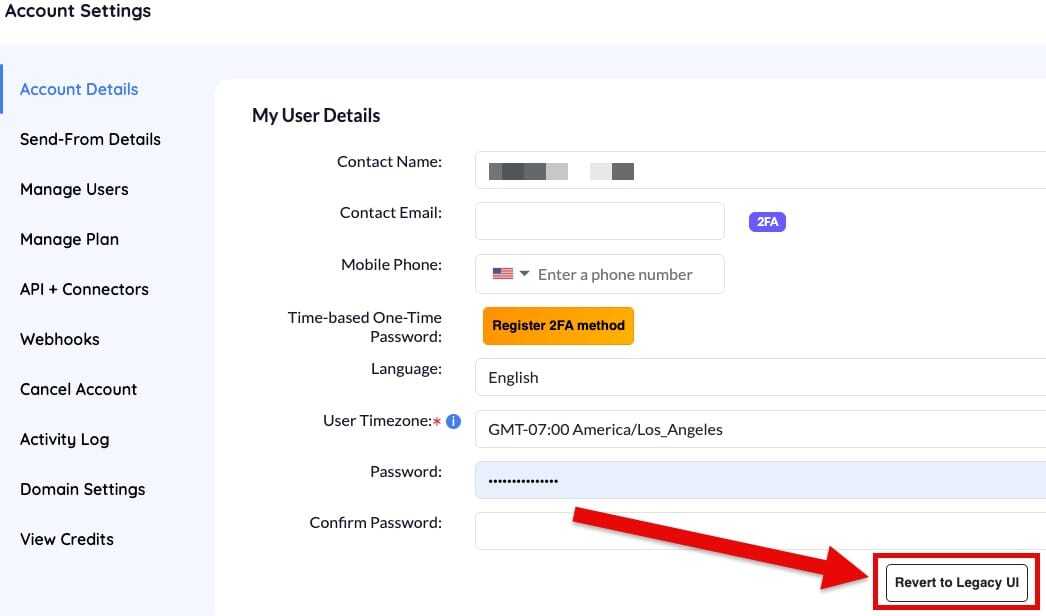
Clicking the "Revert to Legacy UI" button will revert the UI to how it used to look (Fig 4).
Fig 4
If the change in UI doesn't happen right away in either instance, you might try refreshing your browser.
Please look forward to more details coming soon.