

Data Feeds - Delete Data Feeds
Table of Contents
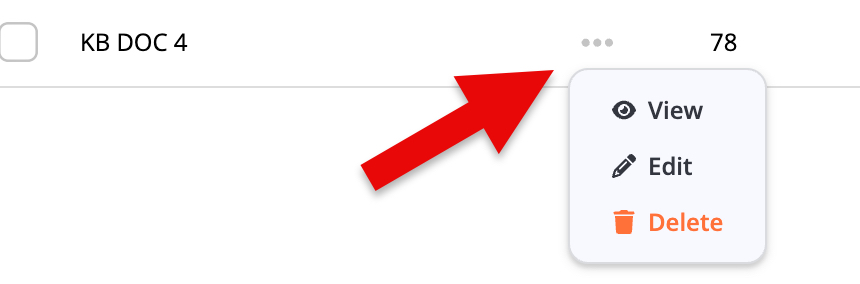
On the Data Feeds screen, click the Actions icon (...) next to the Data Feed you want to view.
This will bring up the Data Feed Action Menu (Fig 1).
Fig 1
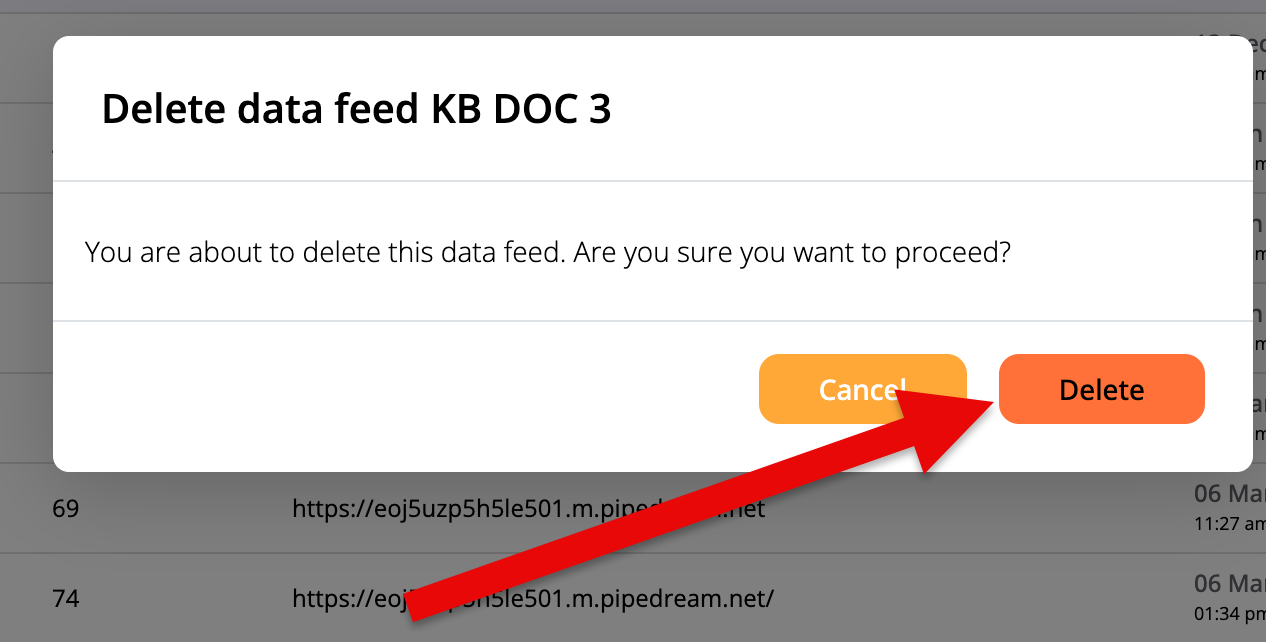
Click the Delete option (Fig 2).
Fig 2
If deleting the Data Feed is successful, you'll see a Success notification (Fig 3).
Fig 3

Pinpointe Newsletter
Join the newsletter to receive the latest updates in your inbox.