

Data Feeds - Adding Data Feeds in Basic Editor
Table of Contents
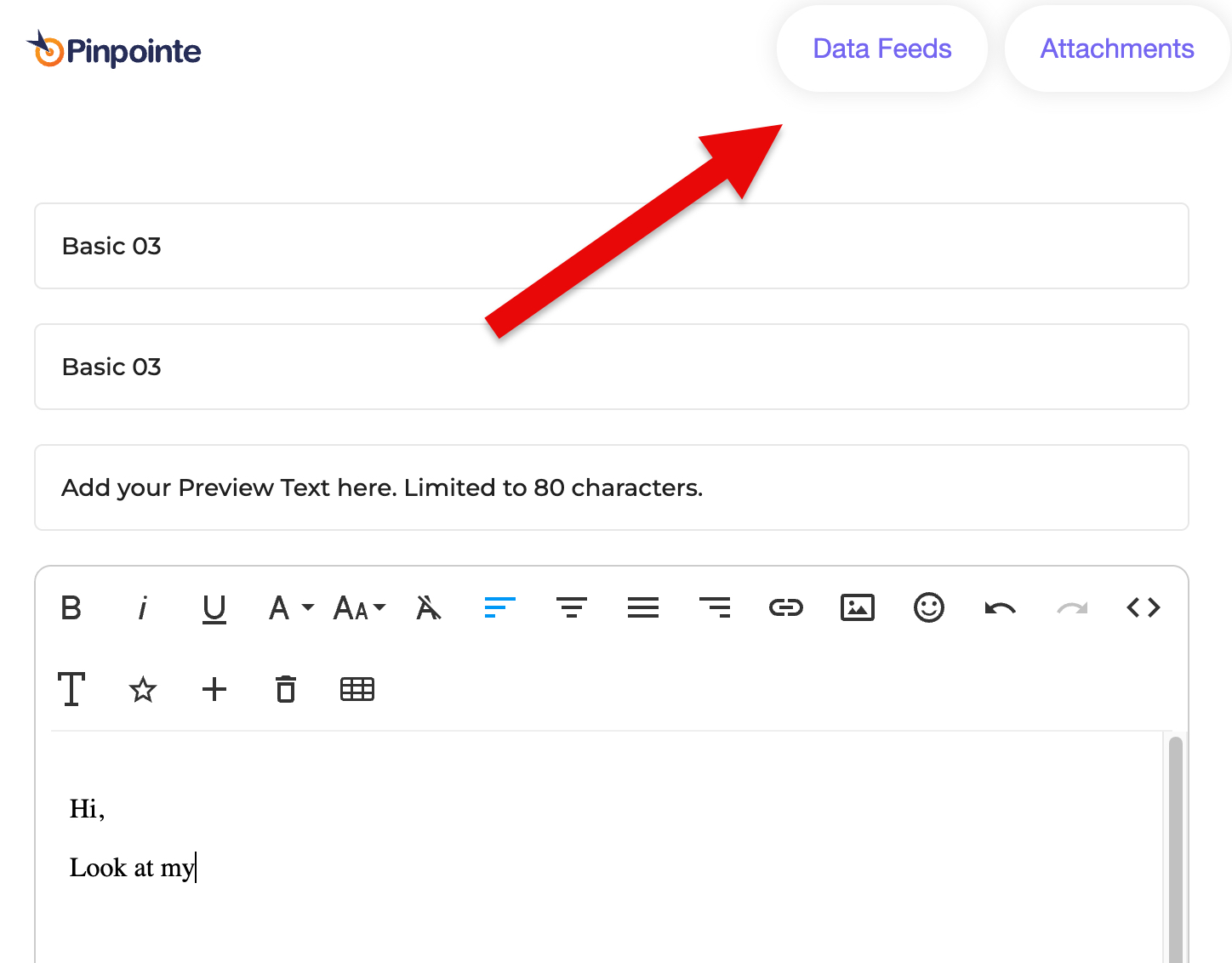
To add Data Feeds to an Email Campaign created in the Basic Editor, click the Data Feeds button at the top of the screen (Fig 1).
Fig 1
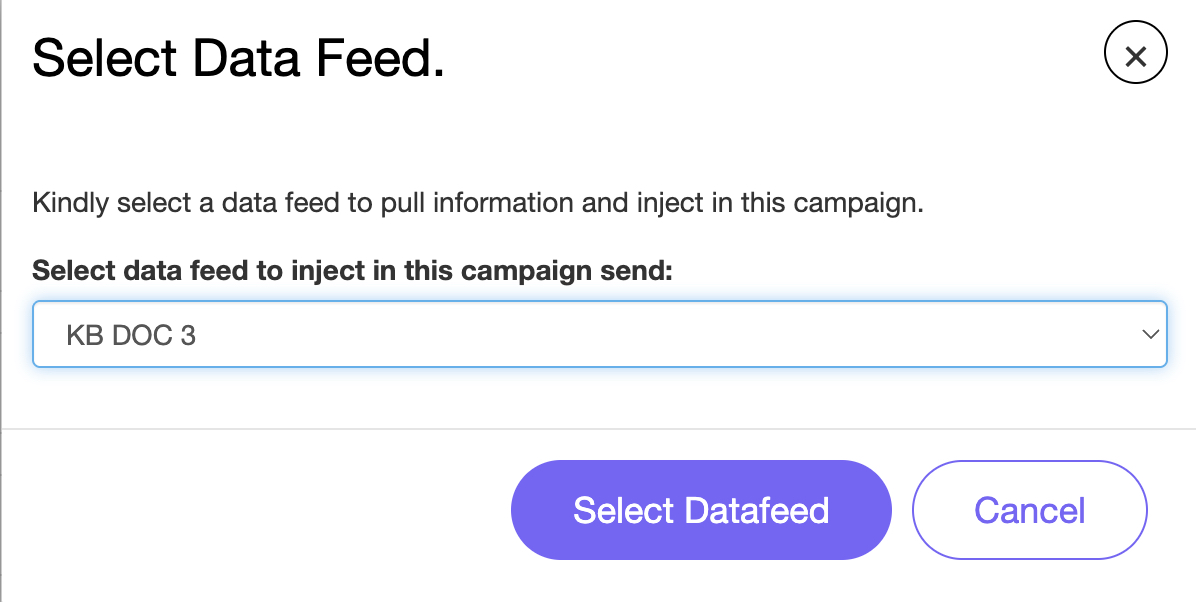
This opens the Select Data Feed window.
Select the Data Feed you want to inject into the campaign send and then click Select Datafeed (Fig 2).
Fig 2
You need to include {{{datafeed.subject}}} and/or {{{datafeed.htmlContent}}} in the body of the campaign.
Pinpointe Newsletter
Join the newsletter to receive the latest updates in your inbox.