

Content Blocks - Inserting the Content Block with the Basic Editor
Table of Contents
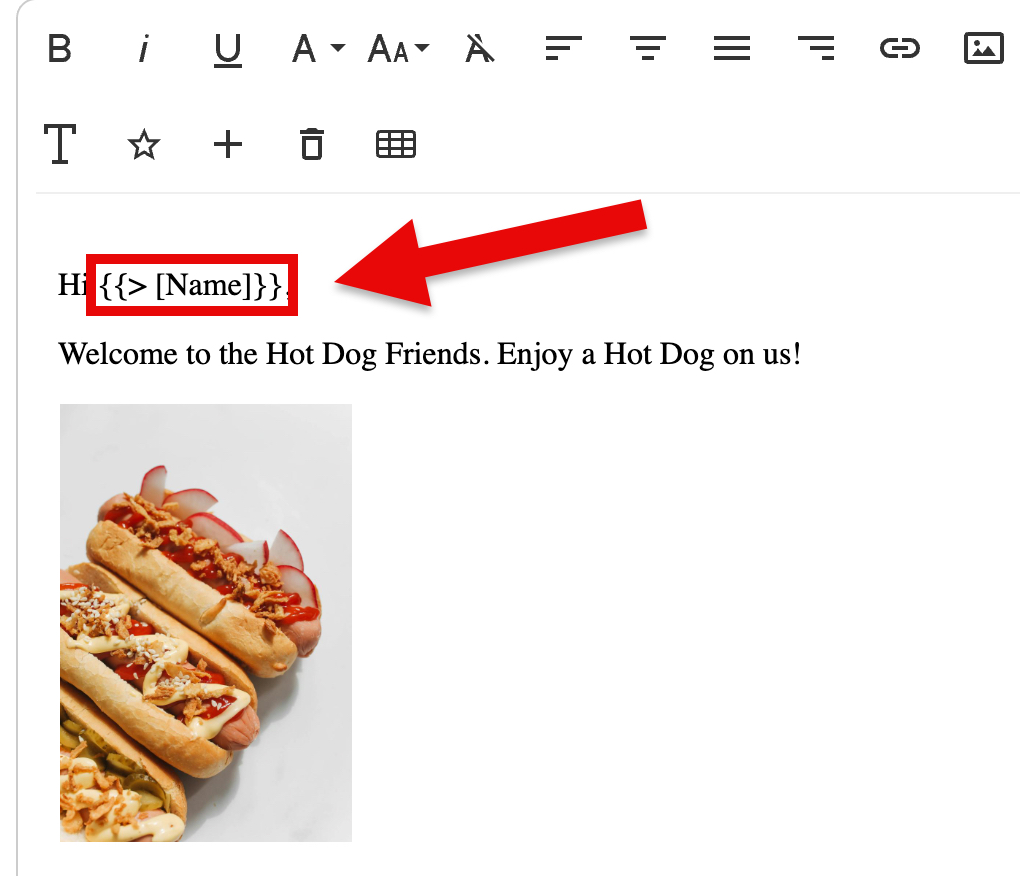
In the Basic Editor, you can type in the Content Block with the same "{{> [name of block'}}" formatting (Fig 1).
Fig 1
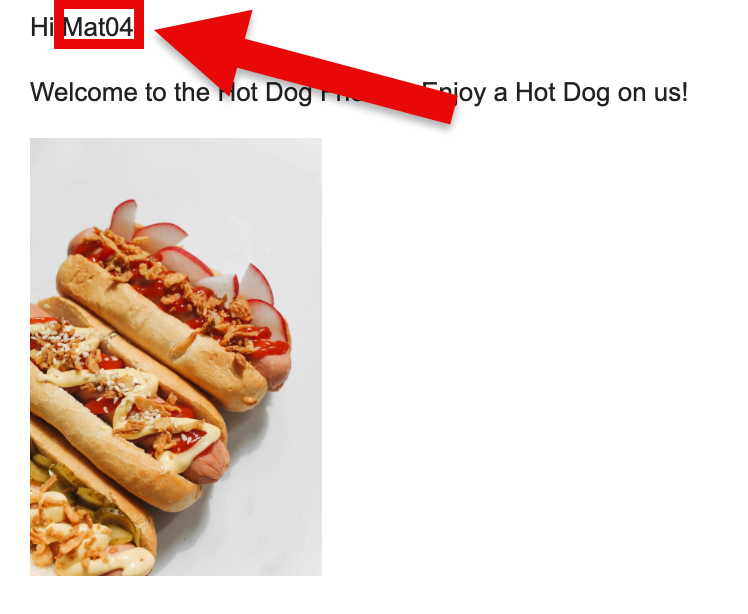
When receiving emails sent from campaigns using Content Blocks from the Basic Editor, the result is the same as when doing so from the DND Editor (Fig 2).
Fig 2
Pinpointe Newsletter
Join the newsletter to receive the latest updates in your inbox.