

Content Blocks - Inserting Content Blocks with the DND Builder
Table of Contents
In your Email Campaign, add a Text Widget and type in the Content Block in the text widget.
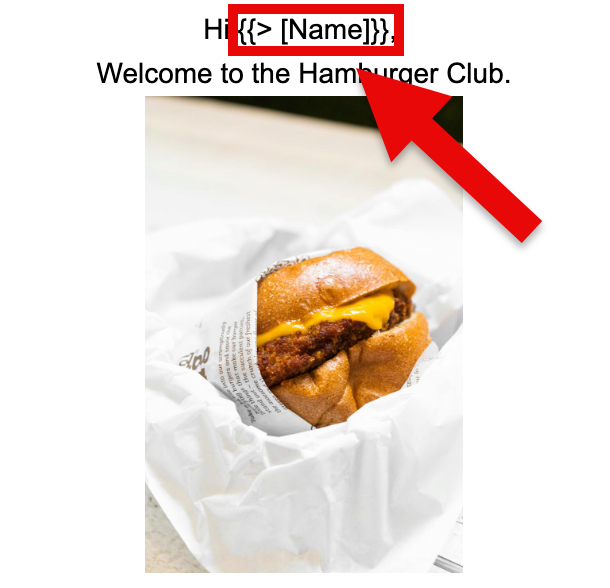
In our example, we're adding our Content Block Name by typing "Hi {{> [Name]}},"
After sending out the Email Campaign, this populates the beginning of the email with Hi followed by their first and last name (Fig 1).
Fig 1
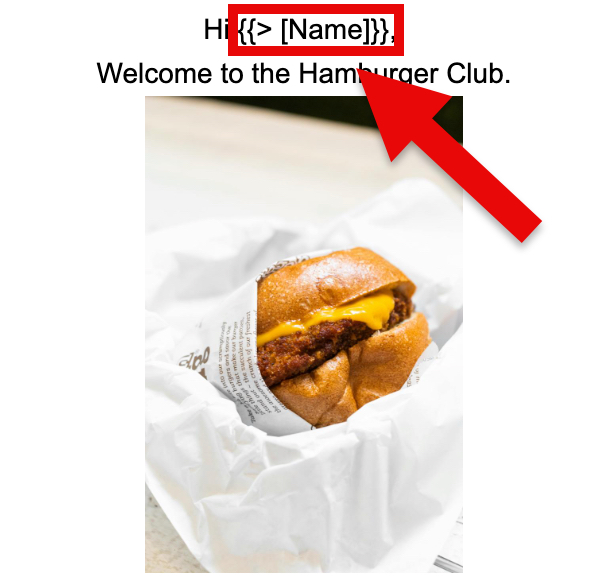
After sending our your Email Campaign, the Content Block in this example will by populated by the recipient's first and last name, which is taken from their list (Fig 2).
Fig 2
Pinpointe Newsletter
Join the newsletter to receive the latest updates in your inbox.