

New Basic Editor - Overview
Table of Contents
The New Basic Editor has a more modern UI making it easier to use. Unlike the old WYSIWYG Editor, the Basic Editor has been broken up into 2 tools:
- Basic Editor: Use Pinpointe's editing toolbar to insert content or change to "Code View" to directly type or paste new HTML/CSS code (Fig 1).
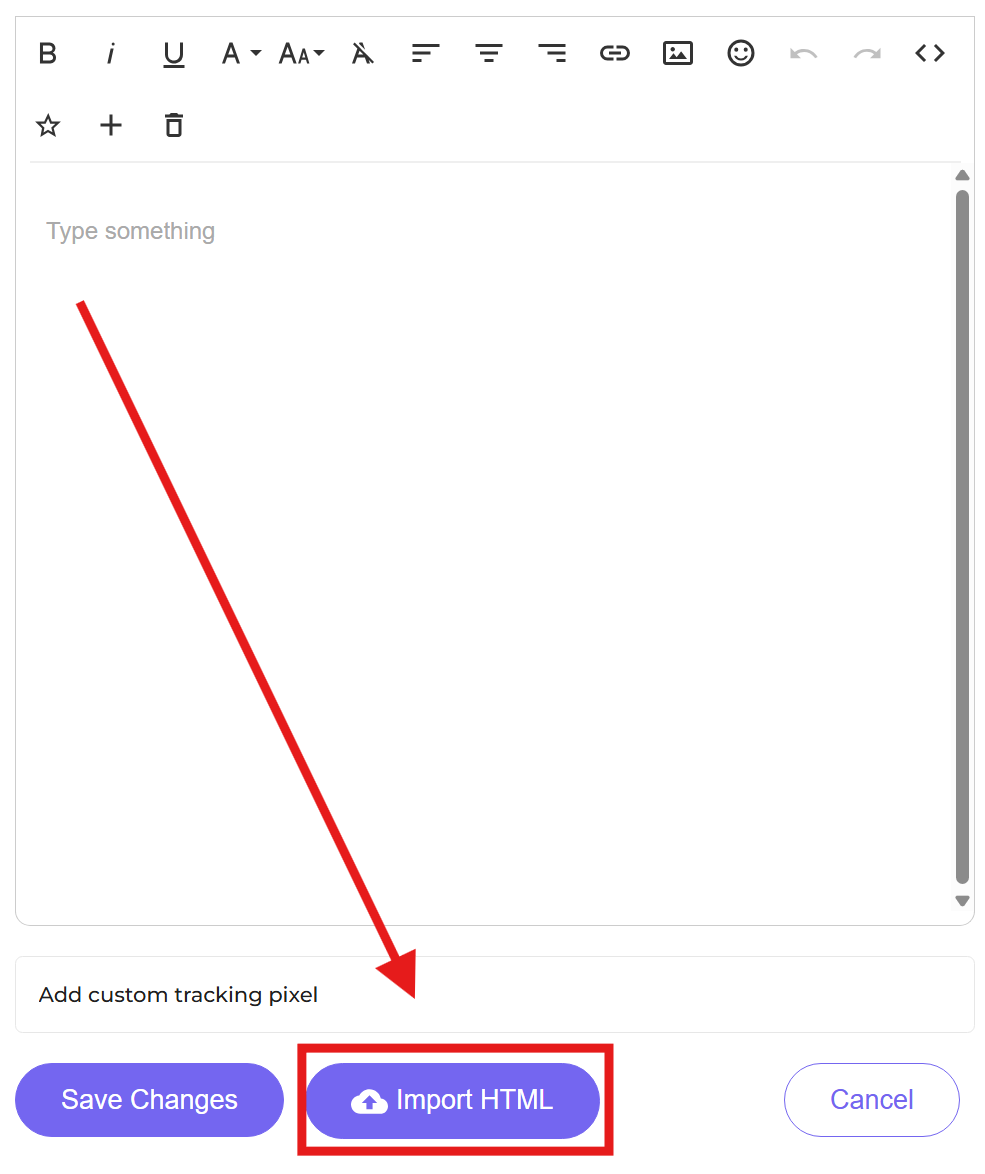
- Import HTML: Import a HTML/CSS file or a ZIP file. ZIP files should have a source code file and can also have associated images. The Basic Editor can still be used afterwards in "Code View" to edit the imported code (and images if using a zipped file) to generate a campaign template, and then use Pinpointe's editing toolbar in "Code View" to modify the existing code (Fig 2).
Fig 1
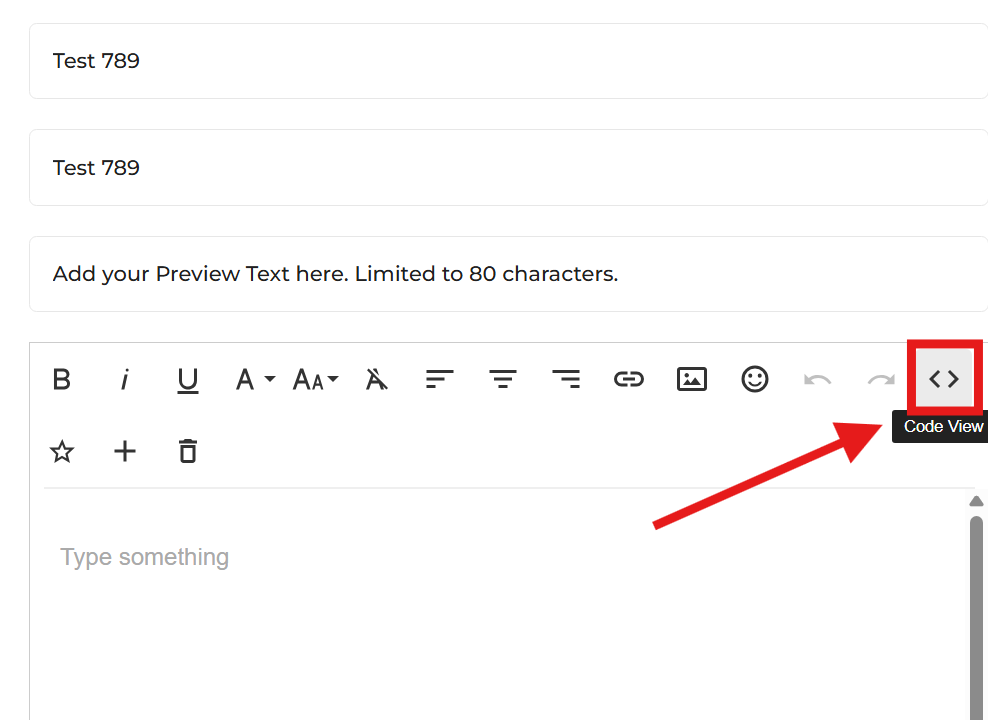
Fig 2
When you click the "Create Email Message" option from the main left-hand vertical menu (Fig 3), or click the "New Email Message" button on the Manage Email Messages page (Fig 4), you'll be redirected to a page where you can select your editor (Fig 5):
Fig 3
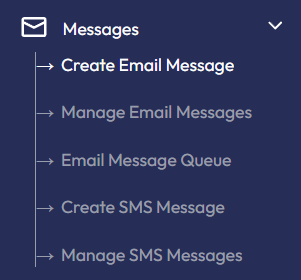
Fig 4
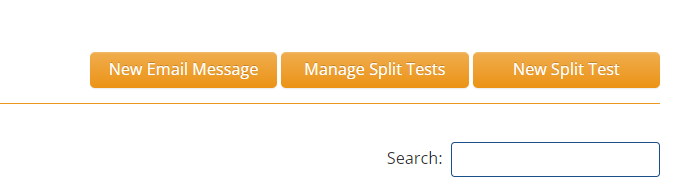
Fig 5
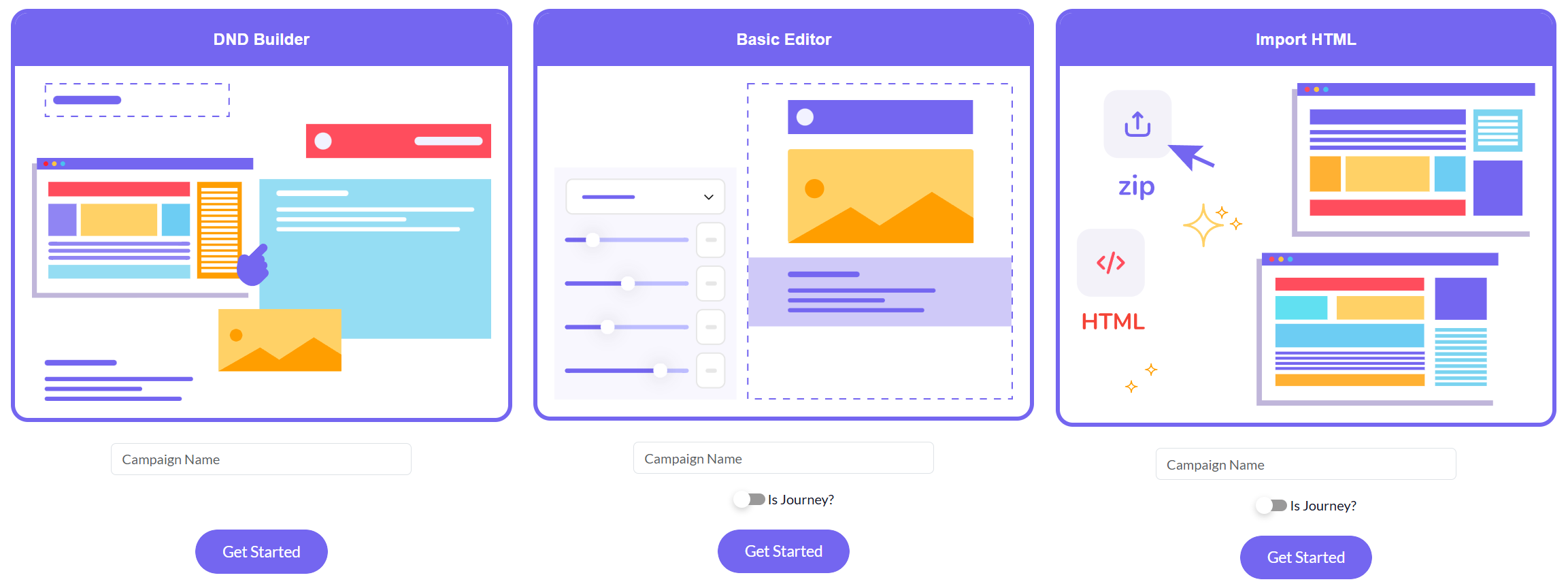
You will note there are three options:
- DND Builder
- Basic Editor
- Import HTML
To start, give the campaign a name by filling in the "Campaign Name" field in either option, then click the blue "Get Started" button.
Pinpointe Newsletter
Join the newsletter to receive the latest updates in your inbox.